


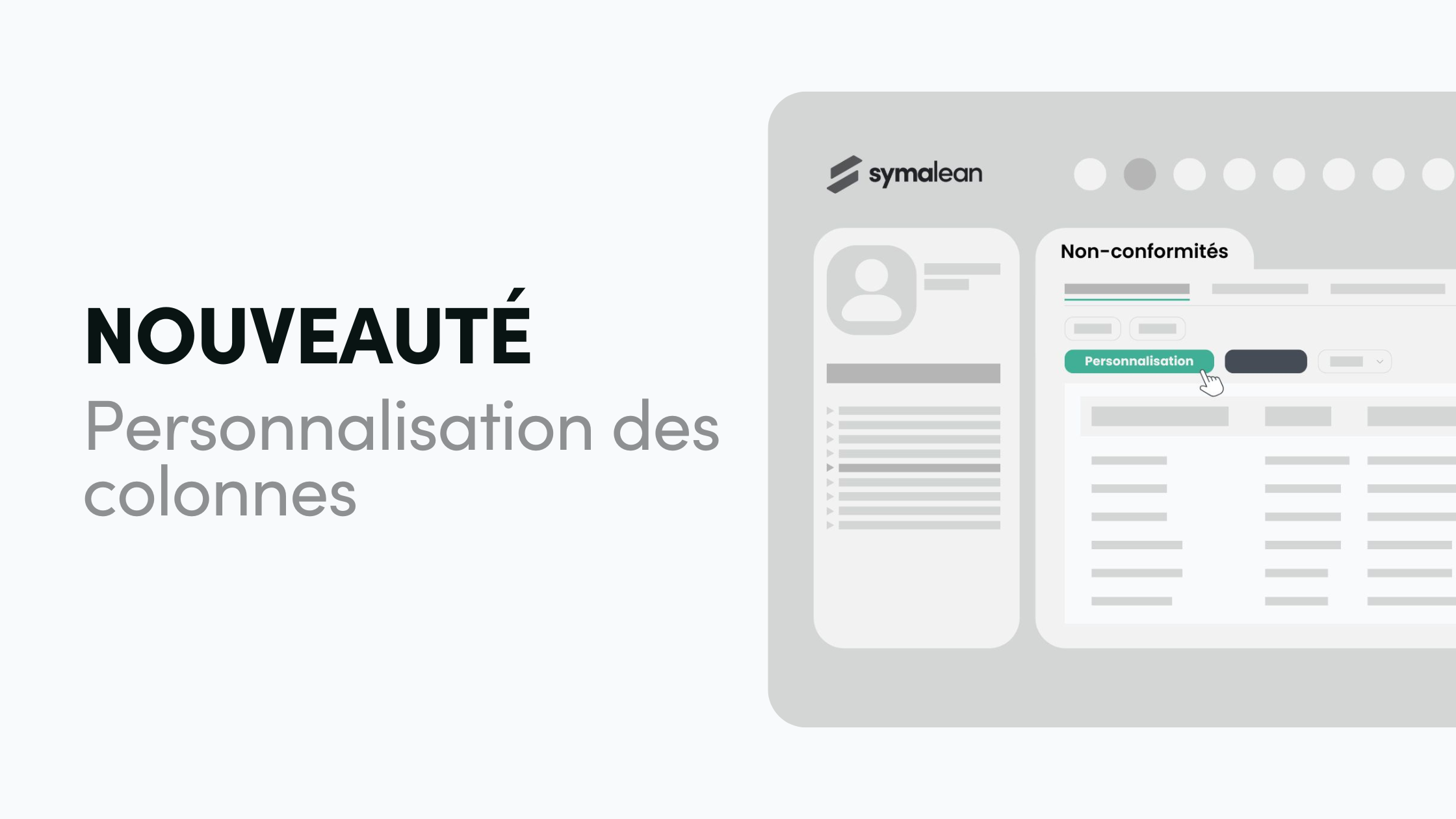
Symalean gives you control: control the display with the new Column Settings
At Symalean, we know that efficiency comes from clear and relevant information. That is why we have developed an expected feature: the new module of column settings !
Starting today, in the module Non-conformance (and soon in other sections), a new button has appeared, currently under consideration under the name “Column Choices” or “My Columns”.
The objective is simple: to allow you to precisely select the data you want to visualize.
Customization at the service of QHSE efficiency
QHSE managers and sustainable transition services, this novelty was designed for you! It represents a giant step towards QHSE software customization total of your work environment.
Concretely, what does that change?
- End of information overload: focus only on the indicators that are crucial for your daily missions.
- Time saving: No more navigating between different views or ignoring irrelevant columns.
- Customized display: you decide which fields appear (or disappear) from your tables, in particular for monitoring your non-conformities.
This feature of column settings is a powerful tool for improving the speed of analysis and the ergonomics of the application, transforming your dashboard into a surgical tool, perfectly adapted to your specific needs.
Video demonstration
To give you an immediate and concrete overview of this new tool, we have prepared a short demonstration video.
Do not hesitate to consult it to discover how easy it is to implement this new QHSE software customization.
Your expertise is our driving force! This evolution is a testament to our continued commitment to providing you with the best of QHSE software. Your feedback is always welcome to help Symalean evolve in the direction of your professional requirements.


